Lara Croft Guardian of Light APK Download Android for 2026
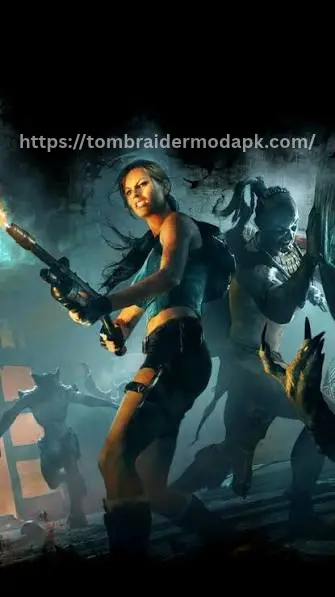
Lara Croft’s top-down twin-stick adventure arrives on Android with every level from the console and PC original. Play it with touchscreen controls or a full gamepad.
2026
Release Year
12+
Android Requirement
4 GB+
Free Space Needed
Top-down Twin-Stick Action Puzzle
Game Genre
Official 2026 Port
Released by Feral Interactive for Android
All Original Levels
Every level from the console and PC release
Gamepad Support
Touchscreen and full controller support
A Different Kind of Tomb Raider
Top-down twin-stick action and room-based puzzles.
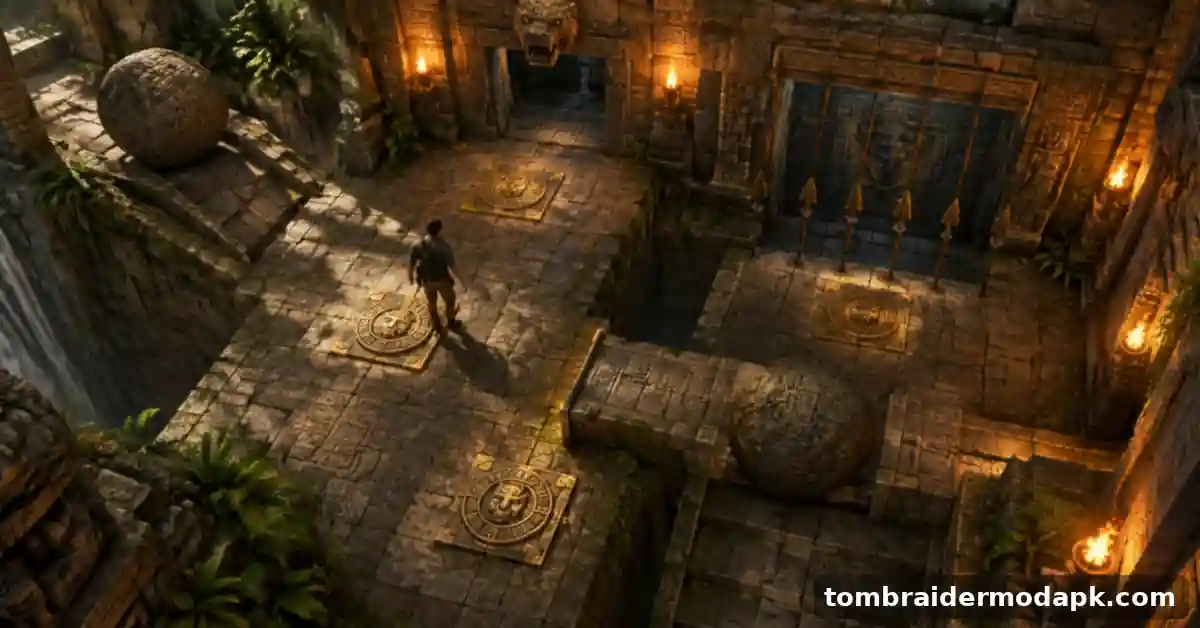
If you are looking for the Lara Croft and the Guardian of Light APK, this is the official Android release of the top-down twin-stick action puzzle game, brought to mobile by Feral Interactive on 27 February 2026. You play as Lara Croft from a high camera angle, solving puzzles and fighting through ancient ruins with fast, direct controls. It suits you if you enjoy short, focused action levels rather than a long third-person story campaign. Players coming from Underworld on Android will feel the change straight away, because every stage here is built for shorter sessions.
Lara Croft Guardian of Light APK Requirements
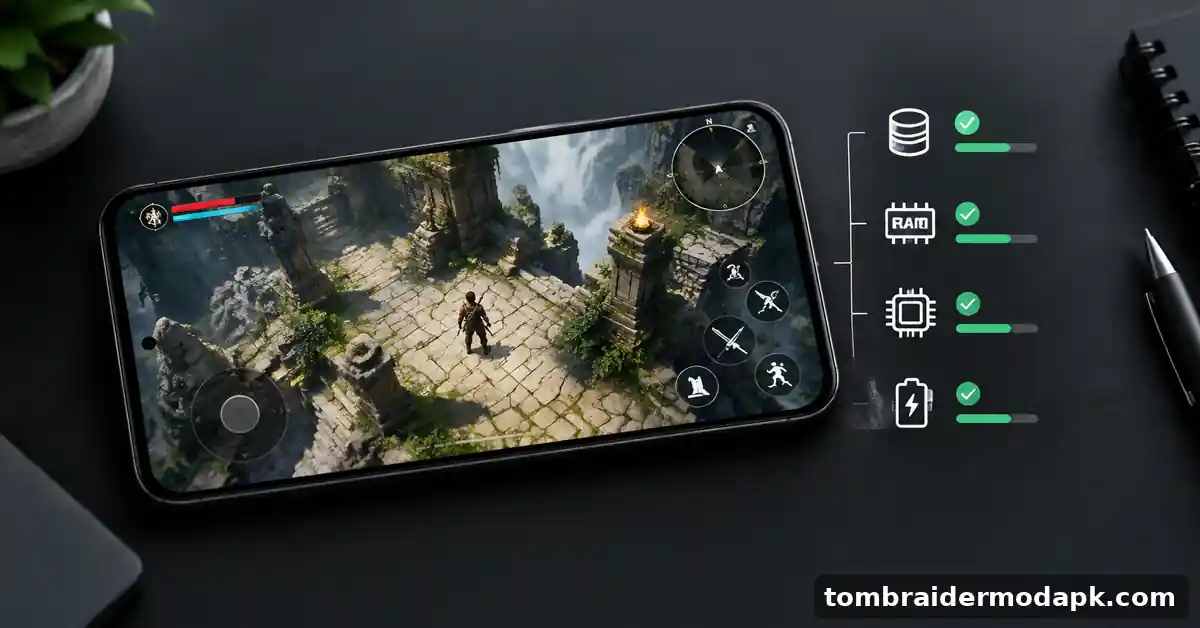
Before you download anything, check your phone against the Guardian of Light requirements below. Falling short of them almost always causes trouble during install or in the first level.
| Requirement | What you need |
|---|---|
| Android version | Android 12 or later |
| Free storage | At least 4 GB, around 8 GB recommended |
| Controls | Touchscreen or gamepad |
| Release date | 27 February 2026 |
The storage line matters more than most players expect. You need at least 4 GB free, and Feral Interactive recommends keeping about double that amount free while you install, so the installer has room to unpack files without failing halfway.
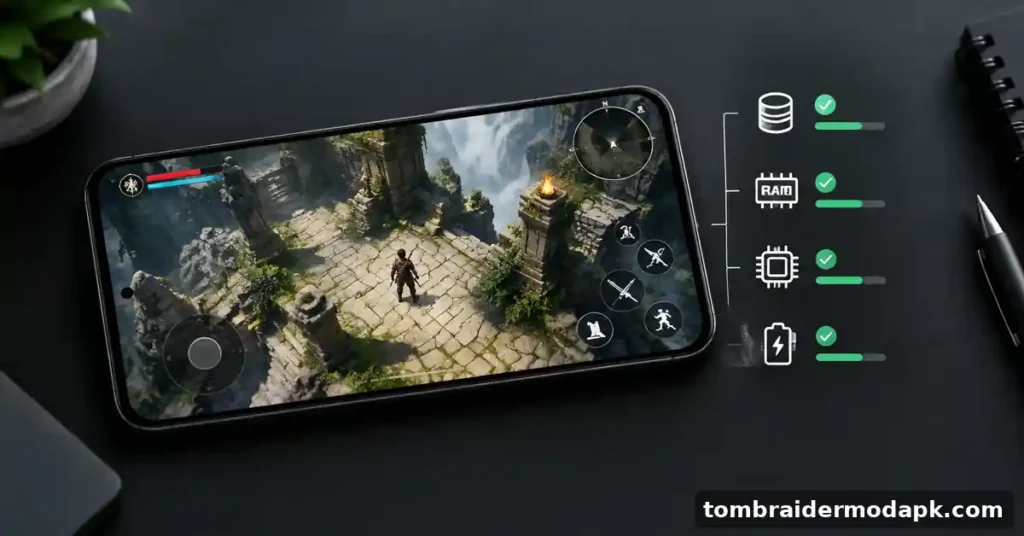
If your phone runs an older Android version, the game will not install properly, no matter how much free space you have. On weaker phones that only just meet the minimum, you may see longer loading times in busy fights. Close other apps before you play and keep your first sessions short.
What Makes Guardian of Light Different on Android
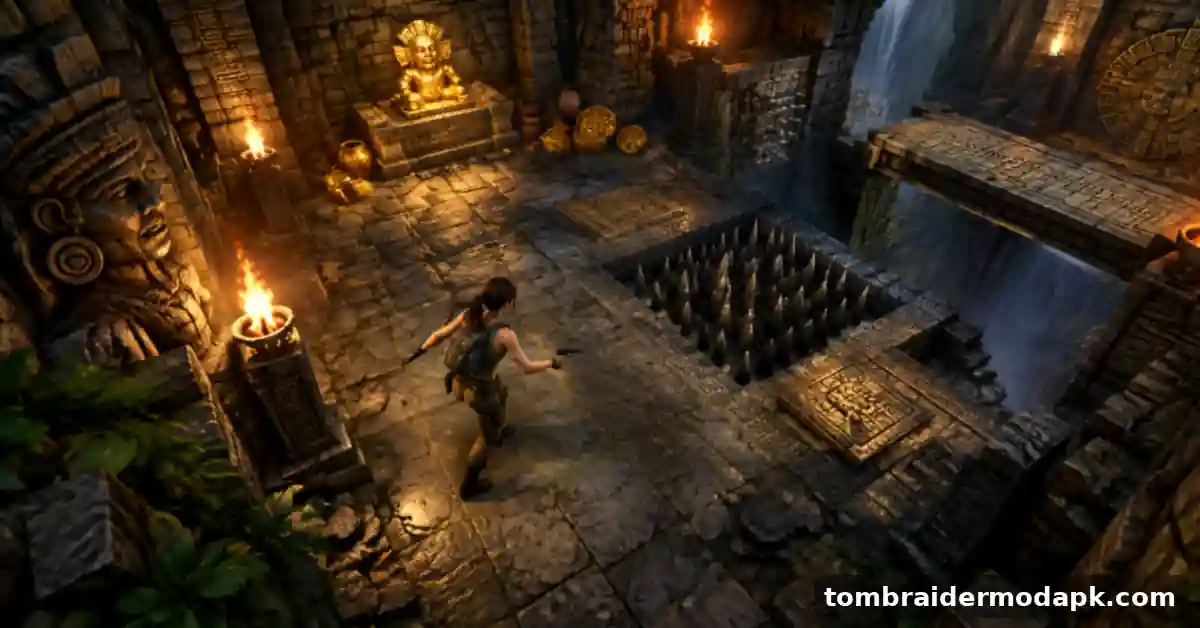
Most Tomb Raider games put the camera behind Lara, so you run, climb and shoot in third person. Guardian of Light moves the camera high above the action and turns the game into a Lara Croft twin-stick game, where one stick moves Lara and the other aims her weapons. That single change alters how every fight and puzzle feels on your phone.
You see more of the room at once, which helps you plan. Traps, switches and enemy positions are easier to read from above, so your mistakes feel fairer in combat.
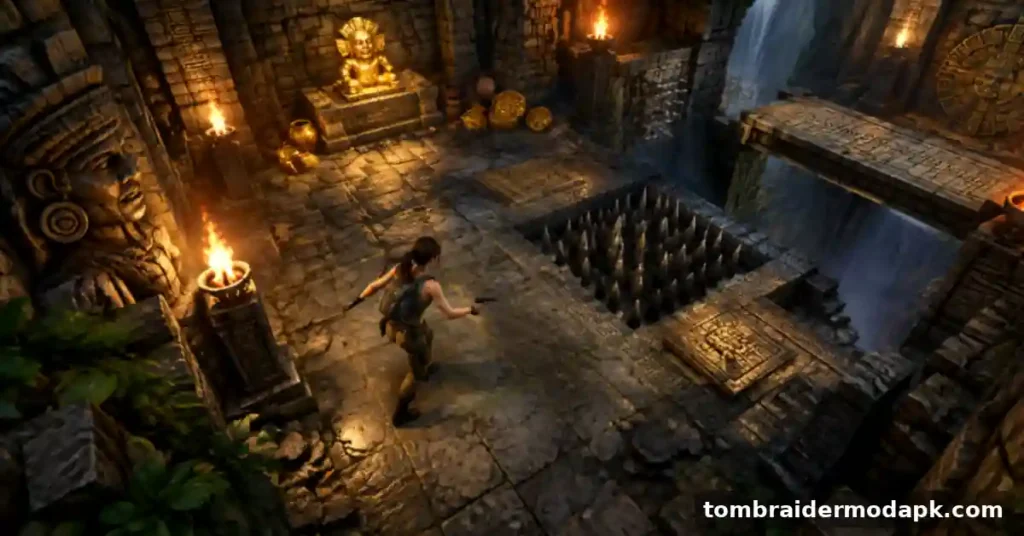
The original 2010 release was built around Guardian of Light co-op play, with two characters solving puzzles and covering each other in fights. That design still shapes the Android version. Even in single player, you can feel puzzles planned for teamwork.
If you want the main series style instead, the third-person Tomb Raider Android release keeps the over-the-shoulder camera and story-led structure most players know. Guardian of Light is a side path rather than a replacement, built around smaller stages that can be finished in one sitting.
For a sense of how far the series has travelled, Lara’s first adventure in Tomb Raider I on Android shows the classic tomb exploration that started everything. Guardian of Light keeps that love of ruins and traps, but presents it in smaller, faster stages seen from above.
Features of Guardian of Light on Android
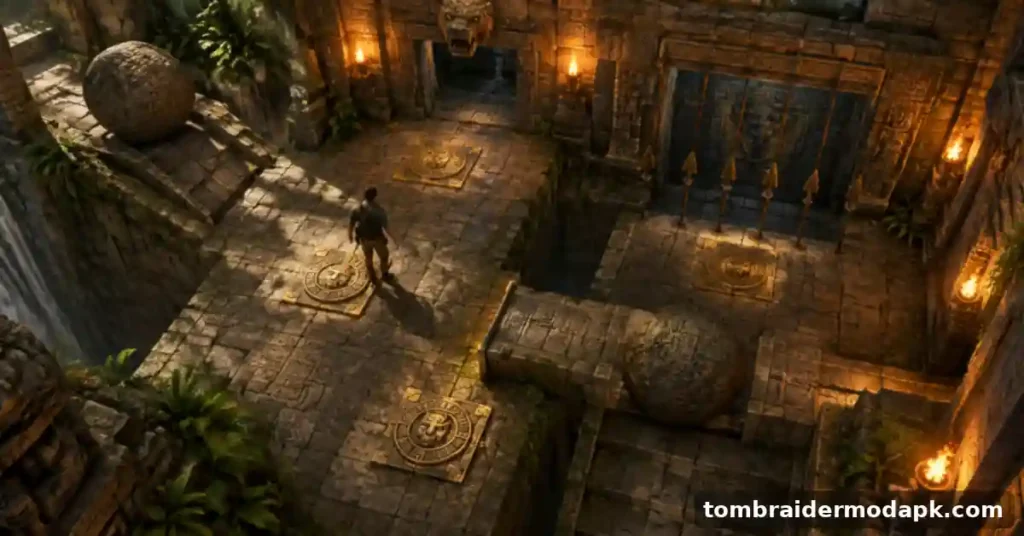
Twin-Stick Controls Built for Touchscreens
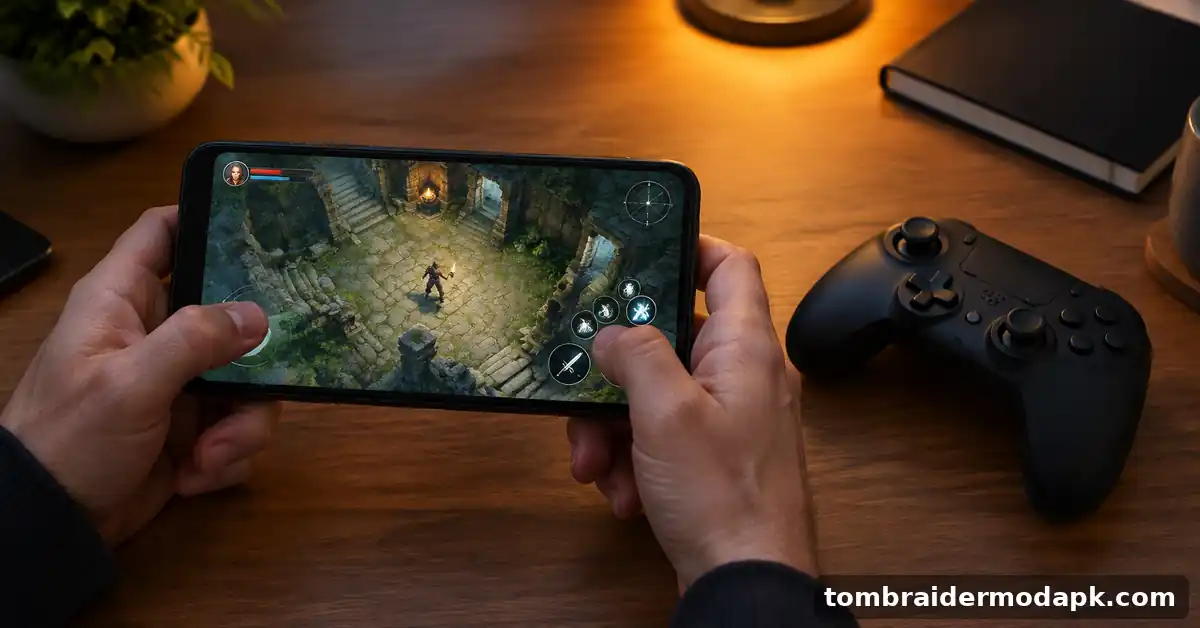
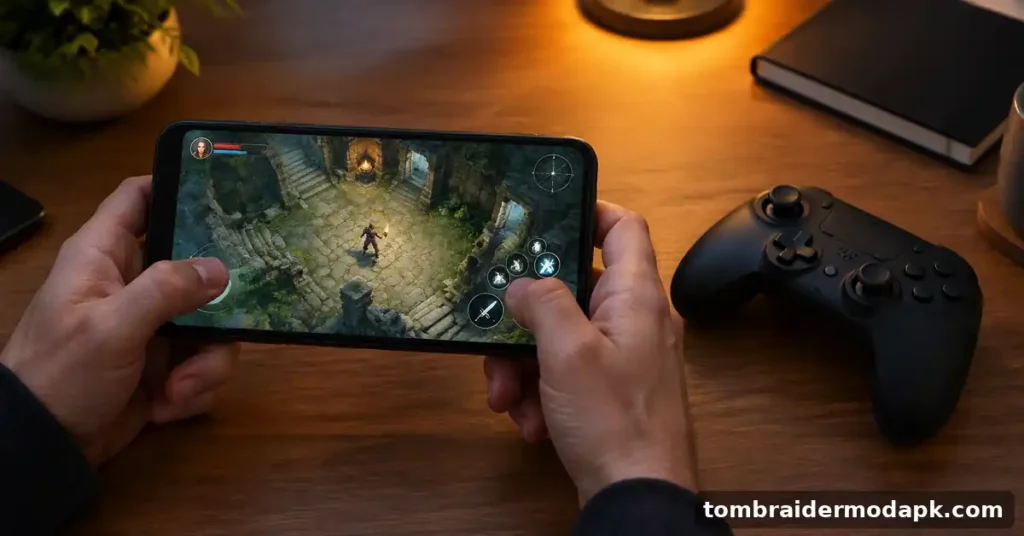
You move Lara with one side of the screen and aim with the other, so your thumbs handle direction and fire at the same time. This layout keeps your view clear during a fight. After a few minutes of practice, dodging while firing backwards feels natural.
Full Gamepad Support
If touch controls tire your hands, the Guardian of Light gamepad option gives you a more familiar setup. A connected controller puts movement and aim on real sticks, which many players find steadier for long fights. You can switch styles whenever you need a change.
All Levels From the Console and PC Release
Your Android copy includes all levels from the original console and PC release, so you are not getting a shortened mobile cut. Each level brings a new mix of combat rooms, traps and puzzle chambers. That gives the Guardian of Light Android version a proper sense of progress. It follows the same pattern as The Anniversary remake on Android, a full earlier game brought across to phones rather than a cut-down spin-off.
Puzzles That Use the Whole Room
Many puzzles spread switches, blocks and pressure plates across the full floor, and the top-down view lets you study the layout before you move. You might push a block, trigger a plate, then rethink your route when a new path opens.
A Co-op Design at Its Core
The Guardian of Light co-op roots show in how levels are laid out, with paired switches and sections that clearly expect cooperation. Playing solo still works, because the game scales those moments down to one player. A second switch usually means a second task.
How to Download and Install Guardian of Light on Android
Before You Start the Guardian of Light Download
How to Install Guardian of Light on Android
If the install stops with a package error, a parse error or an app not installed message, do not keep tapping retry. Your next step is sorting out a failed Tomb Raider install on Android, where those exact errors are covered in detail.
Some players search for Guardian of Light OBB files because other Android games split their data into a separate folder. Do not move data folders from a different game into this one, because mixed files cause crashes. If your own files sit in the wrong folder, placing OBB and data folders correctly for Tomb Raider walks you through the checks in the right order.
How to Update to the Guardian of Light Latest Version
When the Guardian of Light latest version appears, download the update from the same page you used originally, rather than a random mirror, so your files stay consistent. Install it over your existing copy, then open the game once to confirm your save and settings are still there.
Common Problems and Quick Fixes
The Game Will Not Install
A failed install usually comes down to Android version, free space or an incomplete download. Check that your phone runs Android 12 or later and that you have well over 4 GB free, then download the file again on a stable connection.
White Screen When the Game Open
A plain white screen at launch often means the game data did not finish setting up, or another app is using too much memory. Restart your phone and give the game a full minute on first launch. If the problem repeats, fixing a white screen in the Tomb Raider games covers that fault on its own.
Stuck on the Loading Screen
Endless loading usually points to a file problem or a phone struggling under other open apps. Close everything else, restart, and launch the game with plenty of free storage available. For this fault alone, read about a Tomb Raider game stuck at loading and follow that order.
Missing Files Message After Install
A missing files message means the game cannot find part of its own data where it expects it. Delete the incomplete copy, free up extra space, and install again from a fresh download. Your detailed walkthrough is repairing a missing files error in Tomb Raider APK, which deals only with this error.
My Experience
I played Guardian of Light on a mid-range Android phone, the kind of device most people actually own, and I split my time between touch controls and a small Bluetooth gamepad. With touch, the twin-stick layout took me about ten minutes to settle into, and my early deaths came from aiming at the wrong enemy in crowded rooms. Once the movement clicked, clearing a room without taking a hit felt genuinely earned.
The gamepad changed the feel for me in a good way. Aiming on a real stick felt calmer and more accurate, especially in the busier fights, and my hands did not cover the screen. What impressed me most was the puzzle design, because several rooms made me stop, look at the whole floor, and rethink my route before moving a single block.
My honest downside is the camera distance. On a phone screen, Lara and smaller enemies can look quite small, and I missed details in darker rooms until I raised the brightness. My typical session lasted about forty minutes, usually two levels, and the game suited that length well without draining my attention or leaving me stuck mid-mission.
Is It Safe to Install This APK
Any APK installed from outside Google Play skips the review process that Play applies to apps listed there, so you carry more responsibility for checking the file yourself. That does not make every APK unsafe, but you should never install one on trust alone. A few simple checks reduce your risk a great deal.
Before you install, check that the file size and version shown match what the download page states, and stop if they differ. Watch the permissions the game requests, and question anything unrelated to a game, such as access to your contacts, SMS messages or call logs. A twin-stick action game has no reason to ask you for those.
We recommend that you keep Play Protect switched on and delete the installer file once the game runs correctly. Before you install any modified file, compare its version number and file size with what the download page states, and read the permissions it requests. A game has no reason to ask for your contacts, messages or call logs, so treat requests like those as a warning sign. If anything looks wrong, delete the file and start again from a source you trust. The same caution applies to bigger names, so it is worth knowing what Shadow of the Tomb Raider fans can play on Android before trusting any file that trades on that name.
Frequently Asked Questions Lara Croft Guardian of Light APK
Final Thoughts
The Lara Croft and the Guardian of Light APK is the right Tomb Raider download for you if you want fast levels, smart room puzzles and controls that work in short sessions. Players who want a long third-person story will be better served by the main series games on this site. For everyone else, this is a focused, well-made side adventure that respects your time.
ABOUT THE AUTHOR
Henry Broke
✓ Verified Author
Written by Henry Broke, a webmaster and content creator who has spent over 4 years covering Android games, MOD APK builds, and mobile app installation guides. Henry Broke regularly tests APK and OBB packages across different Android devices to check compatibility, installation steps, and common errors before writing about them, with a focus on giving readers practical, honest information rather than exaggerated feature claims. His work centres on helping mobile gamers install, update, and troubleshoot apps safely.